


How Many Devices Can Your Wi-Fi Handle?
By: Vincent Totino
Read Time: 11 min.
July 23, 2026
Most home Wi-Fi networks can handle 20 to 50 active devices at once, and modern Wi-Fi 6E routers can support 60 or more. The real limit isn't how many devices are connected — it's how many are streaming, uploading, or on video calls at the same moment, and whether your bandwidth can cover them.
Your phone, your laptop, the smart TV, a couple of tablets, the video doorbell, a smart speaker or two and the kids' game console — add it up and the average home is running a fleet of gadgets! So it's a fair question: how many devices can your home Internet actually handle at once? Before we get into the details, here's a quick gut check: run a speed test to see what your connection is actually delivering right now.
It helps to know the scale. Worldwide, connected devices now number in the tens of billions. Closer to home, research from Parks Associates puts the average U.S. Internet household at around 17 connected devices, and some surveys land north of 20 — a figure that climbs every year. That distinction matters. A house full of idle smart bulbs barely registers, while two people on 4K video calls plus someone streaming Ultra HD can strain a connection in seconds.
Most modern home networks can keep dozens of devices connected at the same time. The real limit usually isn't the number of devices sitting on your Wi-Fi — it's two things working together: what your router can manage and how much bandwidth everything is using at the same moment.
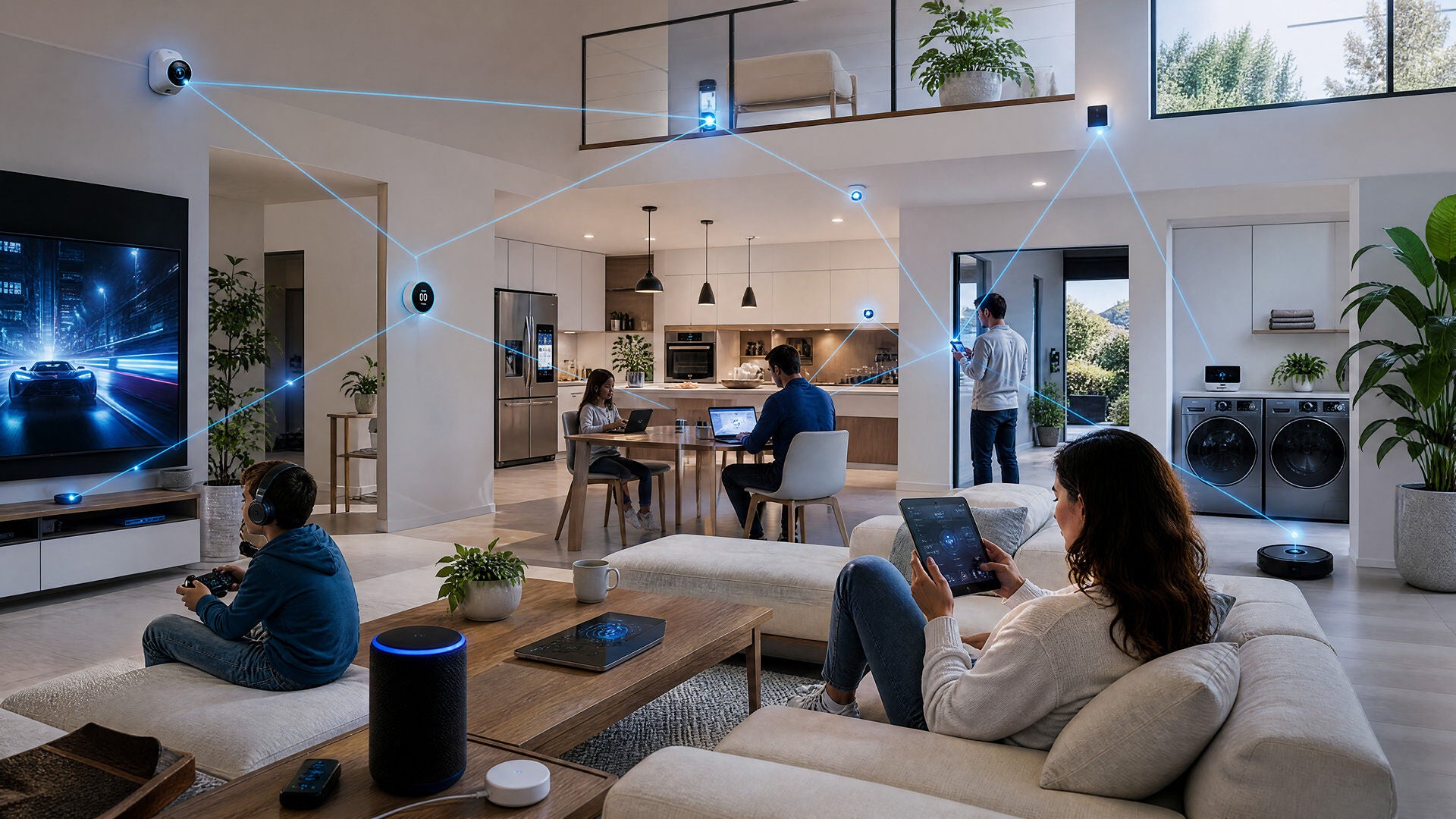
How many devices can a home Internet connection handle?
A majority of home networks can comfortably support somewhere between 20 and 50 active devices, and modern equipment can push well past that. But there's no single magic number, and anyone who hands you one is oversimplifying.
Think of it like a highway. Your router is the number of on-ramps, and your bandwidth is the number of lanes. You can have plenty of on-ramps, but if every car merges at rush hour, traffic still crawls. The rest of this guide breaks down both sides so you can size up your own setup.
Your real-world limit comes down to two factors that work together.
- Router capacity — how many devices your router can manage at once without bogging down.
- Internet speed, or bandwidth — how much total data your plan delivers for everything to share.
What actually limits the number of devices on your network?
Connected vs. Active Devices: What’s the Difference?
Here's the thing: being connected and being active are not the same thing. So the better question isn't "how many devices are connected?" It's "how many devices are doing something demanding at the same moment?" Ten connected gadgets where only two are streaming will feel smooth. Ten devices all streaming and uploading at once is a different story.
How Router Capacity Limits Your Wi-Fi Devices
The strain happens when many devices pull data at the same time. A smart plug or thermostat sips a few bytes an hour and sits quietly the rest of the day. A 4K stream, a big file upload or a video call demands real bandwidth the entire time it's running.
Your router gives each device an address when it joins the network. Most home routers can technically hold dozens of connections — often anywhere from 32 to 250, depending on the hardware. But that ceiling is rarely what you bump into.
Router limits: theory vs. real-world performance
Router makers love to advertise big numbers — some claim support for 250-plus devices. That figure is mostly theoretical, based on how many addresses the router can hand out, not how many it can serve well at the same time.
In practice, the comfortable number depends a lot on which generation of Wi-Fi your router uses. Newer standards don't just go faster — they're far better at juggling many devices at once, thanks to technologies like OFDMA and MU-MIMO that let a router talk to several devices in parallel instead of making them wait in line.
| Wi-Fi standard | Max theoretical speed | What it's good at | Practical active-device range |
|---|---|---|---|
| Wi-Fi 5 (802.11ac) | Up to ~3.5 Gbps | Everyday browsing and HD streaming in a smaller household | About 10–25 active devices |
| Wi-Fi 6 (802.11ax) | Up to 9.6 Gbps | Busy, device-heavy homes; adds OFDMA and improved MU-MIMO | About 50–75 active devices |
| Wi-Fi 6E | Up to 9.6 Gbps | Everything Wi-Fi 6 does, plus a 6 GHz "express lane" for less congestion and lower latency | About 50–100+ active devices |
| Wi-Fi 7 (802.11be) | Up to ~46 Gbps | Extreme speed & multi-link reliability | Over 100+ active devices |
Note: these ranges are general industry estimates. Actual performance depends on your specific equipment, home layout and Internet plan.
The takeaway: if your network feels crowded, the Wi-Fi generation of your router is often the thing holding you back, not your Internet plan. Moving up to newer Wi-Fi — such as a Wi-Fi 6E gateway with its dedicated 6 GHz band — can sharply raise how many devices your home handles smoothly.
(A newer standard, Wi-Fi 7, is on the horizon too.) For a closer look at what changed, read our complete guide explaining Wi-Fi 6 technology.
Bandwidth is usually the real bottleneck
Most slowdowns aren't a device-count problem — they're a bandwidth problem. Different activities pull wildly different amounts of data, so what your household is doing matters far more than how many things are plugged in.
Here's roughly what common activities need per device while they're active:
These figures line up with FCC and platform guidance — treat them as ballparks, not hard rules.
| Activity | Typical speed needed | Network Impact |
|---|---|---|
| General browsing & social media | 1–5 Mbps | Low |
| SD video streaming | 3–4 Mbps | Low |
| HD video streaming | 5–8 Mbps | Moderate |
| 4K Ultra HD streaming | 25 Mbps | High |
| Video calls (HD, e.g. Zoom or Teams) | 3–5 Mbps up and down | Moderate, and upload-heavy |
| Online gaming | 1–3 Mbps | Low data, but very sensitive to lag |
| Smart home devices | Under 1 Mbps each | Low on their own, adds up in bulk |
First, video calls lean heavily on upload speed, which is exactly where many households feel the squeeze. Symmetrical fiber, where your upload matches your download, gives that side of the connection room to breathe. Second, online gaming barely uses data, but it's extremely sensitive to latency — a stable, low-lag connection matters far more than a huge speed number.
Not sure where you stand? It's worth running a speed test and comparing your real numbers to the table above.
How many devices can different Internet speeds support?
Once you know your router can handle the connections, the next question is whether your plan delivers enough bandwidth to go around. Here's a rough guide to how speed tiers translate into active devices and typical use:
| Speed Tier | Best For | Estimated active devices |
|---|---|---|
| 300 Mbps | 1–2 people, light streaming and browsing | A handful of active devices |
| 500 Mbps | Small families mixing HD and some 4K | Several active devices at once |
| 1 Gig | Busy households, multiple 4K streams, gamers and remote workers | Many active devices comfortably |
| 2 Gig and up | Power users, large device-heavy homes, heavy uploads | Heavy simultaneous use with plenty of headroom |
A good rule of thumb: add up your household's peak simultaneous demand — count the 4K streams, the video calls and the big uploads happening at once — then give yourself an extra 25–30% of headroom. The FCC's current broadband benchmark is 100/20 Mbps, but most multi-device homes are happier well above that.
Speed disclaimer: 1 Gig — wired connection up to 940 Mbps. Wi-Fi speeds may vary. Other speeds — wired connection. Wi-Fi speeds may vary.
Optimum's fiber Internet plans run from 300 Mbps up to 8 Gig, all with symmetrical upload and download speeds, unlimited data and no annual contract. To see what fits your home, browse Optimum Internet plans, and for help matching speed to your needs, read Optimum's guide to finding out what is a good Internet speed for your home.
5 signs your network is handling too many devices
Not sure whether you've hit your limit? These are the classic symptoms of a network stretched too thin:
- Pages and apps load slowly during peak evening hours.
- Video buffers or drops in quality when someone else starts streaming.
- Video calls freeze, lag or drop right as the household gets busy.
- Online games stutter or spike in latency.
- Smart devices randomly disconnect and reconnect.
If two or three of these sound familiar, it's a good moment to run a speed test and take stock of how many devices are active at once.
How to support more devices without slowing down
The good news: you usually don't have to kick anyone off the Wi-Fi. A few changes go a long way:
- Add mesh Wi-Fi in larger homes. A Whole Home Wi-Fi mesh network spreads coverage across multiple points, so devices connect to the strongest signal instead of fighting over a single router.
- Move heavy hitters to Ethernet. Plugging a desktop, game console or smart TV directly into the network frees up wireless bandwidth for everything else.
- Prioritize traffic with QoS. Quality of Service settings let you put video calls and gaming ahead of background downloads.
- Upgrade to a newer router. Stepping up to Wi-Fi 6 or Wi-Fi 6E can sharply increase how many devices your home handles at once.
Frequently Asked Questions (FAQs)
How many devices can connect to Wi-Fi at once?
Most home routers can technically connect anywhere from about 32 to 250 devices, but the comfortable real-world number is lower — typically 20 to 50 active devices for a modern router. What matters most is how many devices are actively using bandwidth at the same time, not how many are simply connected.
How many devices can one router realistically handle?
It depends on the router's Wi-Fi generation and internal hardware. Older Wi-Fi 5 routers handle roughly 10 to 25 active devices well, while Wi-Fi 6 and Wi-Fi 6E routers can comfortably manage 50 to 100 or more, thanks to technologies like OFDMA and MU-MIMO that serve many devices at once instead of making them wait in line.
Does Wi-Fi 6 support more devices?
Yes. Wi-Fi 6 was built specifically for device-heavy homes. It uses OFDMA and improved MU-MIMO to communicate with more devices in parallel, so it handles roughly two to three times as many active devices as Wi-Fi 5 without slowing down. Wi-Fi 6E goes a step further by adding a 6 GHz band that eases congestion even more.
What Internet speed do I need for 10 or more devices?
For a home with 10-plus devices and regular streaming, video calls and gaming, a plan in the 300 to 500 Mbps range is a solid starting point, and 1 Gig gives heavy households plenty of headroom. A good method: add up your peak simultaneous use, then give yourself about 25–30% extra.
How do I check how many devices are using my Wi-Fi?
The easiest way is your router or provider app. Optimum customers can open the My Optimum app to see every device connected to their network, run a speed test and manage their Wi-Fi in one place. Most router apps offer a similar connected-devices list.
Bottom Line
So, how many devices can your home Internet handle at once? Enough that the number itself is rarely the problem. What really sets your limit is the pairing of your router and your total household usage — how modern your Wi-Fi is, and how much everyone is doing at the same time.
If your connection feels stretched, start simple: test your speed, take inventory of what's actually running during your busy hours and make sure your equipment and plan are keeping up. A little tuning — or a step up to newer Wi-Fi and more bandwidth — is usually all it takes to keep a device-heavy home running smoothly.
Ready to see if your setup can keep up? Run a free Optimum speed test to check your current speeds, then explore Optimum Internet plans — fiber speeds up to 8 Gig, symmetrical upload and download, unlimited data and no annual contract.
YOU MAY ALSO LIKE

How to Get Affordable Internet: Discounts, Cheap Bundles & Ways to Save
- Read Time: 9 min.
- Internet
- October 29, 2026

Online Safety for Seniors: A Guide to Spotting Scams & Staying Secure
- Read Time: 15 min.
- Internet
- October 29, 2026

Optimum vs. AT&T: Compare Internet speed, pricing and coverage
- Read Time: 8 min.
- Internet
- October 08, 2026