


Wi-Fi 6 Explained: Why It’s Time to Ditch the Lag
By: Vincent Totino
Read Time: 9 min.
February 19, 2026
Wi-Fi 6 and the End of the Spinning Blue Wheel of Death!
Is there anything more frustrating than the "spinning blue wheel" right at the climax of a movie? Or freezing up during an important video presentation for work?
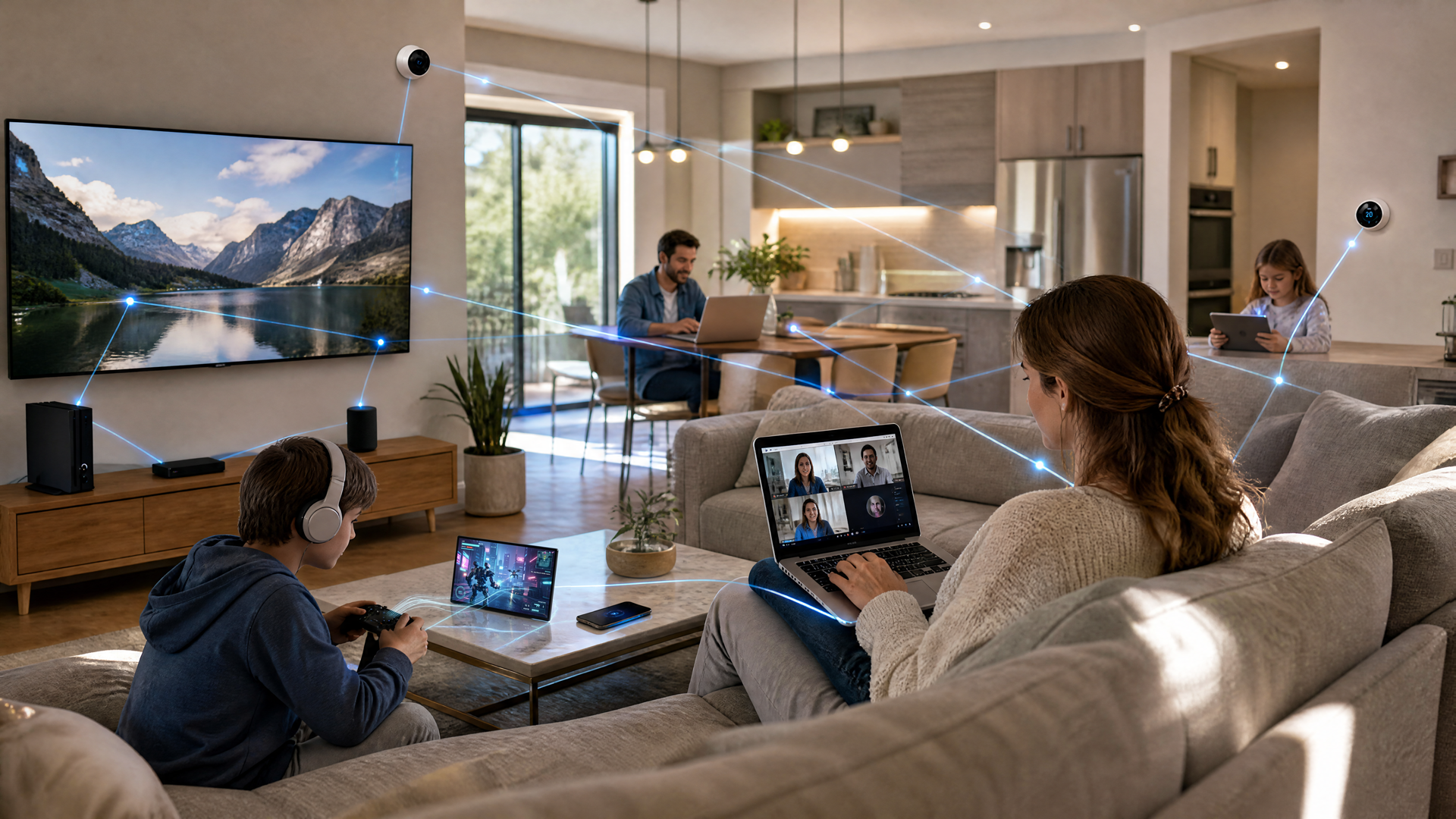
If your home feels like a battleground where devices are constantly fighting for signals, your router might be living in the past. The average home now has 25 to 50 connected devices, from smartphones and laptops to smart thermostats and video doorbells. Older Wi-Fi 5 routers simply were not built for this level of traffic.
Enter Wi-Fi 6 (802.11ax). It is the next-generation standard designed specifically for the way we live today. It’s not just faster; it’s smarter.
This is why your home needs the upgrade, and how Optimum Fiber will help you unlock its full potential.
The Wi-Fi Router Designed for the Smart Home
What is Wi-Fi 6 and Why Does It Matter?
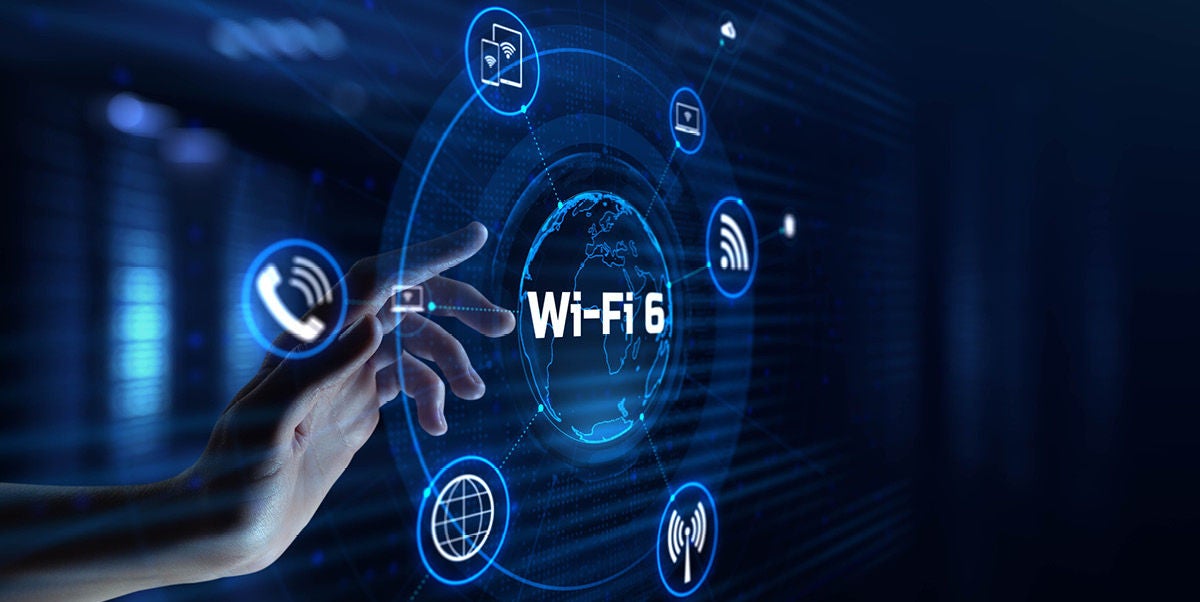
Think of your current Wi-Fi like a single-lane highway. When too many cars (devices) get on, traffic comes to a standstill. Wi-Fi 6 changes the game. It expands that highway into a multi-lane superhighway with an intelligent traffic controller. It is designed to handle dozens of devices competing for bandwidth simultaneously without dropping speed or connection quality.
The Wi-Fi 6 Advantage at a Glance
- 4x Better Performance: Flawlessly handles crowded environments with multiple users.
- 75% Lower Latency: Say goodbye to lag in gaming and video calls.
- Extended Battery Life: Actually, helps your phones and smart devices last longer between charges.
- Blazing Speeds: Capable of speeds up to 9.6 Gbps (compared to Wi-Fi 5's 3.5 Gbps).
How It Works: The Tech Behind the Speed
You don’t need an engineering degree to understand why Wi-Fi 6 is superior. It boils down to three smart technologies that manage your data more efficiently:
- The Traffic Controller (OFDMA): In older routers, devices had to wait in line to talk to the router one by one. Wi-Fi 6 allows up to 30 devices to communicate simultaneously. This means your doorbell can upload video while you stream 4K content without a hiccup.
- Multiple Lanes (MU-MIMO): This technology allows your router to send and receive data from up to 8 devices at the same time. Everyone in the house gets their own "fast lane."
- Battery Saver (Target Wake Time): Wi-Fi 6 lets devices schedule when they check in with the router. When they aren't transmitting data, they sleep. This significantly extends the battery life of your phone, tablet, and smart home sensors.
Should you Upgrade to Wi-Fi 6?
Wi-Fi 5 vs. Wi-Fi 6: The Real Difference
| Feature | Wi-Fi 5 (Old Standard) | Wi-Fi 6 (New Standard) | What You Experience |
|---|---|---|---|
| Max Speed | 3.5 Gbps | 9.6 Gbps | Faster downloads & 8K streaming |
| Capacity | ~10-15 devices | 30+ devices | No slowdowns with multiple users |
| Latency | Higher | 75% Lower | Lag-free gaming & Zoom calls |
| Security | WPA2 | WPA3 | Military-grade protection |
Ready to Upgrade to Smart Wi-Fi 6?
Why Optimum Fiber is the Perfect Match for Wi-Fi 6
Having a Wi-Fi 6 router is great, but it needs a powerful Internet connection to work its magic. This is where Optimum Fiber shines.
Cable Internet providers often use shared bandwidth and "asymmetric" speeds (fast downloads, but slow uploads). This creates a bottleneck that limits what Wi-Fi 6 can do.
With Optimum Fiber, you get:
- Symmetrical Speeds: Uploads are just as fast as downloads. This is crucial for video conferencing, online gaming, and backing up files to the cloud.
- Dedicated Bandwidth: You aren't sharing your pipe with the neighborhood, ensuring consistent performance even during peak hours.
- Smart Wi-Fi 6 Router: We make upgrading easy. Many of our fiber plans include our advanced Smart Wi-Fi 6 router at no extra cost.
Pro Tip: Upgrading to Wi-Fi 6 is the most effective way to future-proof your home. Experts predict the average household will have over 75 devices by 2027. Get the network that can handle it now.
Who Needs to Upgrade? (Spoiler: Probably You)
If you use the Internet for anything beyond basic web browsing, Wi-Fi 6 will transform your experience. You should upgrade today if:
- You are a Gamer: Reduced latency means faster reaction times and no lag spikes in competitive play.
- You Work from Home: Enjoy crystal-clear video calls and instant file uploads, even if the kids are streaming in the other room.
- You have a Smart Home: From Alexa to Arlo, keep your security cameras and smart locks responsive without clogging your network.
- You have a Large Family: Stop the fights over bandwidth. Everyone can stream, play, and browse at once.
Will My Old Devices Work?
Yes! Wi-Fi 6 is backward compatible. Your older laptops and phones will connect just fine. However, to see the massive speed benefits, you'll want newer devices (like the iPhone 17, Samsung Galaxy S25, or PlayStation 5).
Ready to Stop Buffering?
Technology moves fast, but your Internet shouldn't slow you down. Wi-Fi 6 isn't a luxury anymore—it is the standard for modern connectivity.
How to get started with Optimum:
- Check Availability: See if Optimum Fiber is available at your address.
- Choose Your Speed: Select a plan from 300 Mbps up to 8 Gig.
- Get the Gear: Add the Smart Wi-Fi 6 router (often included).
- Relax: Optimum will handle the professional installation and setup.
Don't let lag win. Upgrade to Optimum Fiber with Smart Wi-Fi 6 today and experience the Internet the way it was meant to be.
Check Availability for Optimum Fiber + Smart Wi-Fi 6
Here is a quick-reference chart to help you decide which Optimum speed is right for your home.
Optimum Fiber Speed Guide
| Speed Tier | Best For | Ideal Household | Key Activities & Benefits |
|---|---|---|---|
| 300 Mbps | Value & Basics | 1-2 People (~10-15 Devices) | • HD Streaming on 2-3 screens • Casual web browsing & social media • Basic Work-from-Home (emails/docs) |
| 500 Mbps | Everyday Family | 3-4 People (~15-25 Devices) | • 4K Streaming on multiple screens • Zoom/Teams calls without freezing • Online gaming (casual to moderate) |
| 1 Gig | High Performance | 4+ People(~25-40 Devices) | • Most Popular Tier • Lag-free competitive gaming • Heavy Smart Home use (cameras, doorbells) • Simultaneous 4K streams & large downloads |
| 2 Gig | Tech Enthusiasts | Heavy Users(40+ Devices) | • Futureproofing for new tech • Instant large file uploads/downloads • Zero slowdowns even with guests over • VR (Virtual Reality) gaming |
| 5 Gig | Pro Creators | Ultra-Connected(Unlimited Devices) | • 8K Streaming support • Professional content creation (YouTubers, Editors) • Uploading massive files in seconds • Running a home server |
| 8 Gig | The Ultimate | Maximum Power(Unlimited Devices) | • The fastest speed available • Instantaneous data transfer • Enterprise-level performance at home • Complete freedom for any digital task |
Quick Tip: Most households find the "sweet spot" at 500 Mbps or 1 Gig. If you have gamers or work from home with large files, lean toward the 1 Gig plan to ensure you have plenty of overhead for those busy evening hours.
Frequently Asked Questions (FAQs)
1. Do I need a new router to get Wi-Fi 6?
Not necessarily. If you sign up for Optimum Fiber, many plans include the Smart Wi-Fi 6 router at no extra cost so you get the latest technology without buying separate equipment. Check which plans include the router.
2. Is Wi-Fi 6 worth it if I only have a few devices?
Even with fewer devices, you'll notice lower latency on video calls, smoother streaming, and better range throughout your home. The real benefit compounds as you add smart home devices — and the average household is adding new connected devices every year.
3. What internet speed do I need to take full advantage of Wi-Fi 6?
Wi-Fi 6 can handle speeds up to 9.6 Gbps, but your experience depends on your internet plan. A fiber connection of 500 Mbps or higher lets Wi-Fi 6 really shine, especially in multi-person households. Optimum Fiber offers symmetrical speeds from 300 Mbps up to 8 Gig, so your upload performance matches your downloads. Find the right speed tier for your home.
4. Will Wi-Fi 6 fix dead zones in my house?
Wi-Fi 6 improves range and signal efficiency, but large homes may still have coverage gaps. Optimum's Whole Home Wi-Fi solution pairs Wi-Fi 6 technology with mesh extenders to blanket every room — including basements and backyards.
5. Can I use Wi-Fi 6 with cable internet, or do I need fiber?
Wi-Fi 6 works with any internet connection, but cable's shared bandwidth and slower upload speeds create a bottleneck that limits what Wi-Fi 6 can do. Fiber delivers dedicated, symmetrical speeds that let Wi-Fi 6 perform at its best — especially for video conferencing, gaming, and cloud backups.
6. How is Wi-Fi 6 different from Wi-Fi 6E?
Wi-Fi 6E adds access to the 6 GHz band, which provides additional channels and less interference. Wi-Fi 6 operates on the 2.4 GHz and 5 GHz bands. For most households, Wi-Fi 6 paired with a strong fiber connection delivers everything you need right now — and Optimum's Smart Wi-Fi router is designed to handle today's demand while keeping you ready for what's next.
7. Will my older phones and laptops still work with a Wi-Fi 6 router?
Yes, Wi-Fi 6 is fully backward compatible. Your existing devices connect without any issues. As you upgrade to newer phones like the iPhone 17 or Samsung Galaxy S25, those devices will automatically take advantage of Wi-Fi 6's faster speeds and lower latency.
8. Why do my speeds slow down in the evening?
With cable internet, you share bandwidth with neighbors, so peak hours (typically 7–11 PM) cause congestion. Optimum Fiber gives you a dedicated connection that doesn't slow down when everyone on the block is streaming at the same time. Check if fiber is available at your address.
YOU MAY ALSO LIKE

Optimum vs. AT&T: Compare Internet speed, pricing and coverage
- Read Time: 8 min.
- Internet
- October 08, 2026
How Much Internet Speed Do You Need?
- Read Time: 8 min.
- Internet
- October 08, 2026
How to Find The Best Internet Service Providers (ISPs) In Your Area
- Read Time: 6 min..
- Internet
- October 08, 2026