


How to Automatically Turn Off Wi-Fi at Night to Keep Kids Offline
By: Vincent Totino
Read Time: 6 min.
July 23, 2026
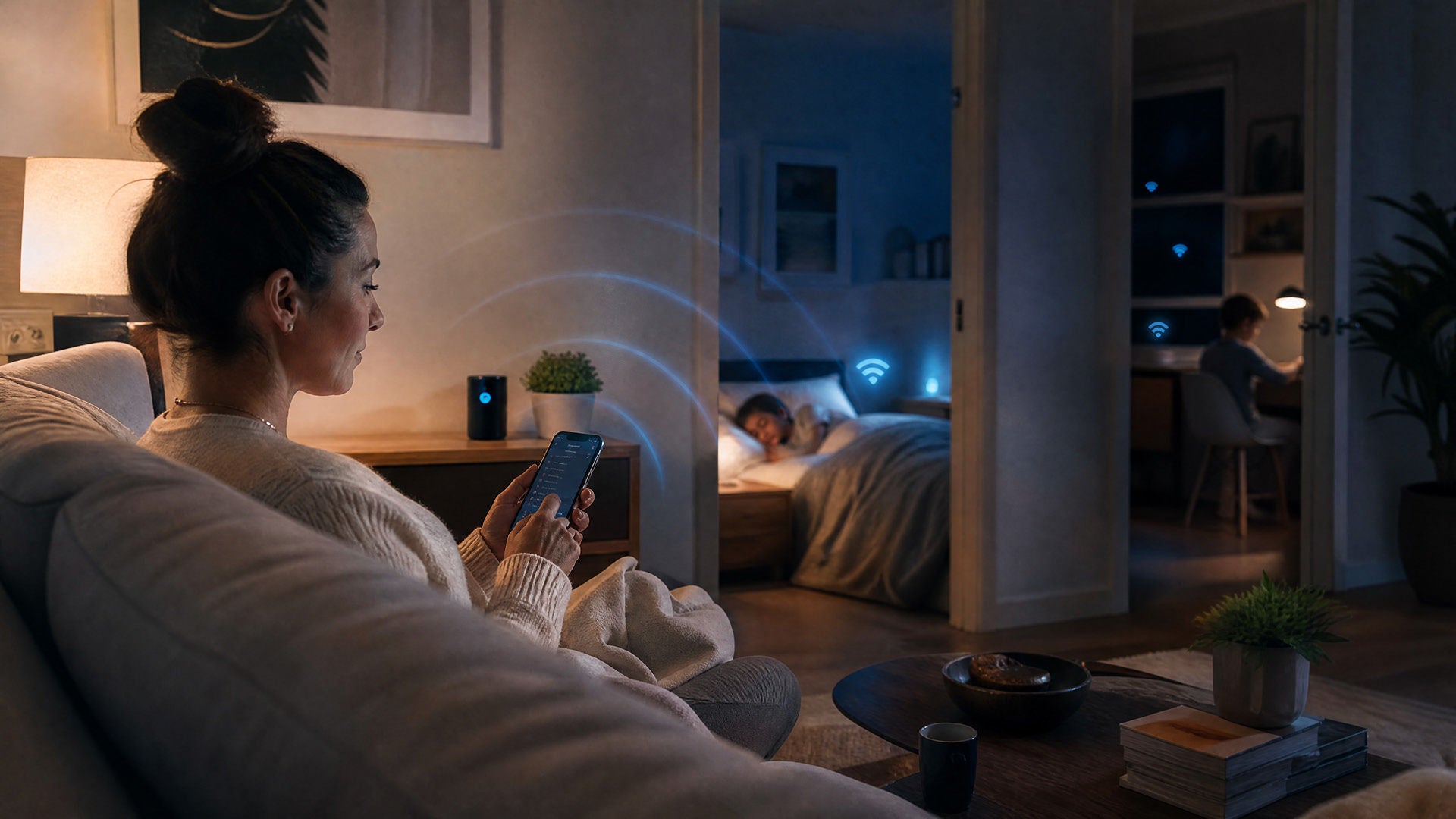
You call lights-out, everyone agrees and twenty minutes later there's still a glow under the door. If bedtime has turned into a nightly negotiation, here's the good news: yes, you can automatically turn off WiFi at night, and you don't need to be techy to do it.
The simplest path is built-in parental controls with a schedule. You pick the hours, the internet pauses on its own and you skip the back-and-forth. If you're an Optimum customer, you can set most of this up right from the My Optimum app.
Why parents set WiFi bedtime schedules
A WiFi bedtime does three things at once: it protects sleep, reinforces a routine and takes you out of the role of enforcer.
The American Academy of Pediatrics recommends keeping screens out of kids' and teens' bedrooms overnight and powering devices down 30 to 60 minutes before bed, because the light from screens suppresses melatonin — the hormone that tells the body it's time to sleep.
Most kids and teens already fall short; roughly 2 in 3 teens regularly sleep less than they should.
An automatic schedule beats a manual shutoff because there's nothing to remember and nothing to argue about. Once it's set, the WiFi simply goes quiet at the same time every night, and the decision stops being a debate you have to win at 10 pm.
The easiest way to automatically turn off WiFi at night
The shortcut for busy households: use the parental controls built into your internet service instead of digging into a router dashboard. Router admin pages usually mean hunting for an IP address, signing in with a password you wrote down somewhere back in 2019 and clicking through menus made for IT folks.
Built-in controls skip all of that. You manage everything from an app on your phone, set a recurring schedule and you're done.
How to set up WiFi bedtime scheduling with Optimum parental controls
If you're with Optimum, you can manage your network and set controls from the My Optimum app — with no separate app to install on your child's device. The setup follows this flow:
- Open the My Optimum app and sign in.
- Go to your network and find the device or profile you want to manage.
- Group your child's devices into a profile so the schedule applies only to them.
- Set a nightly window with a start and end time, like 9 pm–6 am.
- Save it. The internet pauses and resumes on its own.
No IP address lookup. No router admin login. No app on a child's phone. If your home is large, Whole Home WiFi keeps the schedule reaching every room, and our explainer on WiFi 6 covers how a newer gateway handles a houseful of devices.
Other ways to turn off WiFi at night
Don't use Optimum's controls, or want another layer? These methods work too — they just take more effort or give you less precision.
Router-based WiFi scheduling
Most modern routers include a WiFi schedule or access-control feature in their settings or companion app. You can usually block a single device or pause the whole network during set hours.
The upside is fine-grained control. The downside is friction: you'll likely sign into an admin dashboard, learn the menus and manage it separately from the rest of your account. If you're comfortable under the hood, it's a solid option.
Smart plug or hardware timer
The low-tech route is a smart plug or an old-school outlet timer. You plug your gateway into it and set the power to switch off at night. It's cheap and quick to set up.
The catch: it cuts the entire connection for the whole house, so there's no device-level control and anyone still awake loses internet too. Harsh, but a timer gets the job done.
Can kids get around WiFi bedtime controls?
It's worth being realistic. WiFi scheduling controls your home network, not the whole world. A teen with a phone plan can turn off WiFi and hop onto cellular data, and a determined kid might log onto a neighbor's network or a nearby hotspot. A VPN won't help them here, though — if the WiFi is off, there's nothing for a VPN to connect through.
The takeaway isn't to give up; it's to treat WiFi scheduling as one piece of a bigger plan. Pair it with screen time limits on the device itself and, honestly, a conversation about why the rule exists. The tools set the guardrails; the habit does the rest.
Frequesntly Asked Quetions (FAQs)
Can I automatically turn off WiFi on my kids' devices without shutting off the whole house?
Yes. Using profile-based parental controls (like those in the My Optimum app), you can group specific phones, tablets, or consoles together. The automatic sleep schedule will only pause internet access for that specific group, leaving your TV, laptop, or work devices connected.
Will turning off WiFi at night affect smart home devices, security cameras, or alarms?
No, as long as you use device scheduling rather than a physical timer. If you set a bedtime schedule for your child's specific devices, your smart thermostat, security cameras, and ambient noise machines will remain connected 24/7. Note: If you use a hardware smart plug to kill power to the router entirely, all smart home devices will lose connection until morning.
How do I stop my child from switching to cellular data when the WiFi turns off?
While WiFi scheduling manages your home network, it doesn't control cellular connections. To block cellular access at bedtime:
- On iOS (iPhone/iPad): Use Apple Screen Time to set a "Downtime" schedule and restrict app usage during bedtime hours.
- On Android: Use Google Family Link to set bedtime locks or daily screen time limits across both cellular and WiFi networks.
Will pausing my home WiFi at night damage my router or gateway?
No. Automatic scheduling simply pauses the wireless signal on a software timer while keeping the hardware powered on. Modern gateways are designed for continuous operation, so automated pauses will not cause wear and tear or corrupt your network settings.
How do I set up WiFi bedtime scheduling on my Optimum network?
You can set up custom schedules directly through the My Optimum app. Simply open the app, navigate to My Network, group your family's devices into dedicated profiles, and set your desired start and stop times.
The bottom line
Automatic WiFi shutoff is one of those rare parenting wins that's genuinely easy to set up. The simplest option is built-in parental controls you run from your phone — no router dashboards, no extra gadgets.
Set bedtime boundaries in minutes with Optimum's built-in parental controls. Already an Optimum customer? Open your My Optimum app to set up WiFi scheduling now. Not yet? Explore Optimum Internet plans with parental controls included.
YOU MAY ALSO LIKE

How to Get Affordable Internet: Discounts, Cheap Bundles & Ways to Save
- Read Time: 9 min.
- Internet
- October 29, 2026

Online Safety for Seniors: A Guide to Spotting Scams & Staying Secure
- Read Time: 15 min.
- Internet
- October 29, 2026

Optimum vs. AT&T: Compare Internet speed, pricing and coverage
- Read Time: 8 min.
- Internet
- October 08, 2026