


Why Your Internet Feels Slow When Speed Tests Say It’s Fast
By: Vincent Totino
Read Time: 9 min.
July 16, 2026
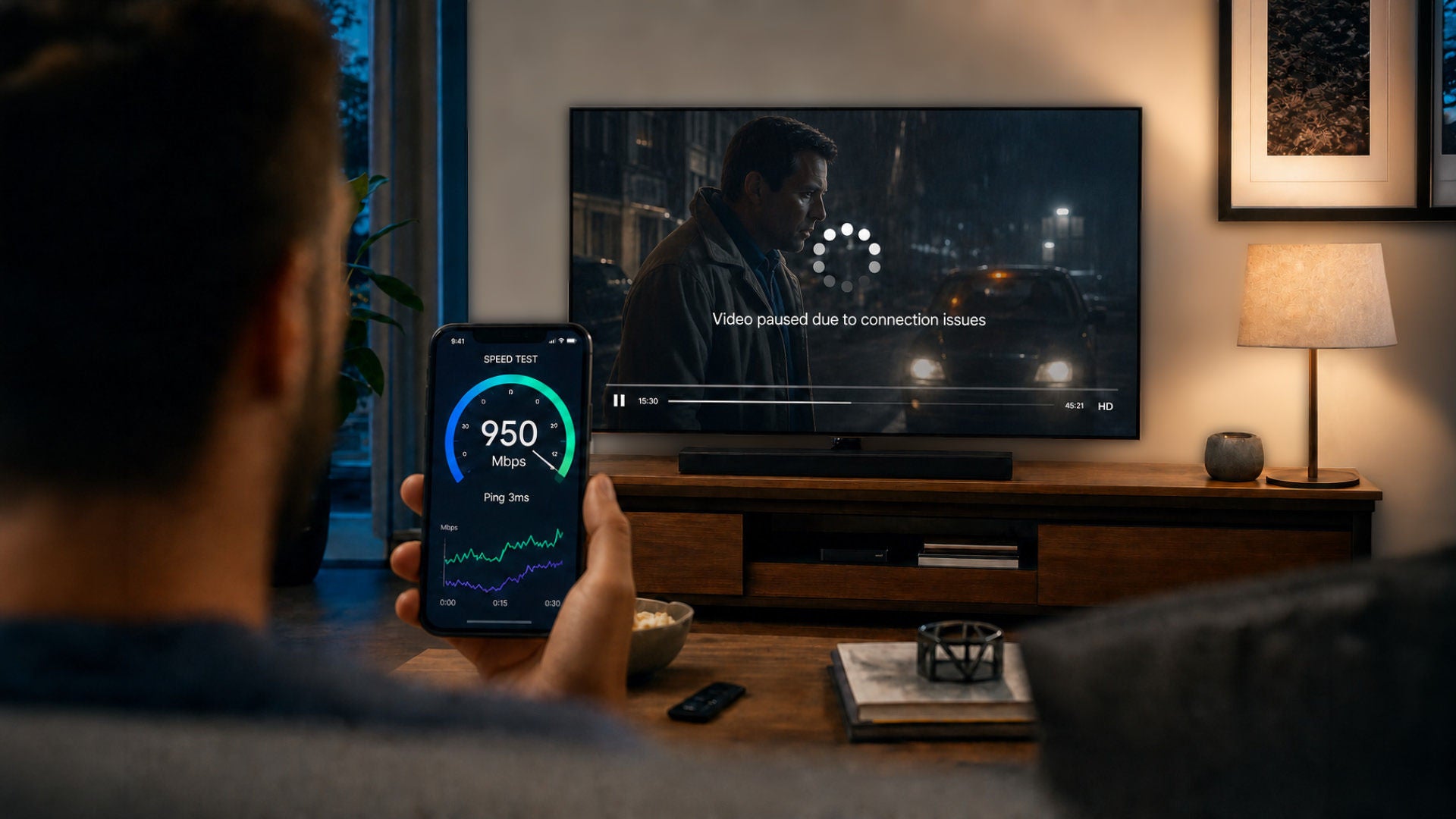
You ran a speed test, the number looked great, and yet pages still crawl, video keeps buffering and your game lags at the worst possible moment.
A fast speed test measures peak download and upload speeds at a specific moment. It does not measure latency, jitter, packet loss, WiFi quality or network congestion—all of which can make your Internet feel slow even when your speed test is fast.
A speed test measures one slice of your connection, not your whole experience. Here's what those results actually tell you, what they leave out and the practical steps that can make your Internet feel as fast as it tests.
What your speed test results actually mean
A speed test snapshots three things in that moment: download speed (how fast data reaches you), upload speed (how fast you send it) and ping, or latency (the delay before data starts moving).
Most people fixate on the big download number, but that figure only shows the maximum your connection hit during a few seconds of testing, usually to a nearby server, on a single device. It doesn't reflect how your network behaves when the whole household is online, how steady the connection stays, or how quickly individual sites and apps respond. The FCC's Measuring Broadband America program exists to track exactly this gap between advertised speeds and real-world performance.
What is considered a good Internet speed?
In March 2024 the FCC raised its broadband benchmark to 100 Mbps download and 20 Mbps upload, up from the old 25/3 standard. That's a solid baseline for a light household, but good really depends on how many people and devices share the line.
A handy rule of thumb is to budget around 20 Mbps for each device running at the same time, with a little extra for smart-home gear.
If several people stream, game and work at once, a plan in the hundreds of Mbps, or a Gig, gives you room to breathe. For a fuller breakdown, see Optimum's guide to a good download and upload speed and how much Internet speed you really need.
How to run an Internet speed test
For a result you can trust, close other apps, pause downloads and run the test on a device plugged straight into your router with an Ethernet cable. WiFi adds its own variables, so a wired test isolates what your connection is truly delivering. Run it a few times across the day too, since speeds shift with network demand.
Optimum's Internet Speed Test makes this quick, and the My Optimum app has a built-in speed test and network health check so you can test from any room in the home.
Why fast speeds don't always equal fast Internet
Bandwidth is only half the story. A connection can post a high download number and still feel sluggish if data arrives slowly, unevenly or incompletely. Two metrics most speed tests now report, latency and jitter, usually explain the disconnect, and a third, packet loss, quietly ruins streaming and calls.
What is network latency and why does it matter?
Latency, shown as ping, is the round-trip time for data to travel to a server and back, measured in milliseconds. It's the gap between clicking and seeing something happen. Under 50 ms is excellent, and anything under about 100 ms is fine for most uses; video calls hold up well below 150 ms.
Once ping climbs past 100 ms you start to feel it, laggy games, sites that hesitate before loading, even when your download speed looks high. Latency depends on distance, routing and congestion rather than raw bandwidth, which is exactly why a fast connection can still feel slow.
How packet loss and jitter affect performance
Jitter is how much your latency bounces around. Steady ping feels smooth; ping that swings between 20 ms and 80 ms makes calls choppy and video stutter. Under 30 ms is generally fine and 10–20 ms is ideal for gaming, while readings above 50 ms usually signal a problem.
Packet loss is data that never arrives, forcing retries and leaving gaps. A healthy connection loses 0–1% of packets; anything past 2% over a 10-minute stretch shows up as buffering, dropped audio and rubber-banding in games. None of this appears in the headline download number.
Common reasons why your WiFi feels slow
Often the bottleneck isn't your plan at all, it's the WiFi between your router and your device. Your speed test might fly on Ethernet and crawl across the room. A few usual suspects are worth checking first.
Too many devices sharing the network
Every phone, TV, laptop and smart-home gadget pulls from the same pool of bandwidth. One 4K stream plus a big cloud backup plus a couple of video calls can saturate even a generous plan, so each device gets a smaller slice.
If things slow down only when the house is busy, congestion, not your connection, is the cause. Optimum's guide on how to increase your bandwidth covers ways to free up room.
Router placement and signal interference
Wi-Fi signals fade through walls, floors and large appliances, and they compete with microwaves, cordless phones and your neighbors' networks. Tucking the router in a closet or behind the TV is a quiet speed-killer.
Set it somewhere central, elevated and open, and connect nearby devices to the faster 5 GHz or 6 GHz band when you can. There's more on the link between your setup and speed in Optimum's Wi-Fi router and Internet speed guide.
Outdated router or modem hardware
Older equipment can cap your speed no matter how fast your plan is, it simply can't pass through everything you're paying for. If your gateway is several years old, it may be the ceiling.
Optimum includes a WiFi gateway with Internet service, and Whole Home WiFi adds extenders for large or multi-floor homes so coverage reaches every room. The My Optimum app even walks you through ideal extender placement.
How to improve slow Internet performance
Before you blame your plan, a handful of quick fixes solve most slowdowns. Optimum's advanced Internet tips and tricks guide goes deeper, but start here.
Restart your router and modem
It's a cliché because it works. Powering your gateway off for 30 seconds clears temporary glitches, memory issues and overheating, and it often restores speed on its own. Make it your first move before troubleshooting anything else.
Use a wired connection when possible
For anything demanding, gaming, video calls, large transfers, plug straight into the router with an Ethernet cable. A wired link sidesteps WiFi interference and delivers steadier speeds and lower latency than wireless can.
Limit background apps and device usage
Automatic updates, cloud syncs and idle streams keep pulling bandwidth even when you're not watching. Pause big downloads, close what you're not using and schedule backups for overnight so your active devices get priority.
Check for viruses and malware
Malware can hijack your bandwidth in the background and drag everything down. Run a trusted antivirus scan, and lock down your network with a strong WiFi password and current firmware, the FTC's guide to securing your home Wi-Fi network is a good checklist.
When it's time to upgrade your Internet plan
If you've optimized your WiFi, cleared the clutter and you're still stretched thin every evening, your plan may simply have outgrown your household. Today's homes juggle far more connected devices than they did a few years ago, and the demand only climbs. When more people and devices are online at once, more bandwidth is the real answer.
Optimum Fiber delivers symmetrical speeds from 300 Mbps to 8 Gig, the same fast upload as download, with unlimited data and no data caps. (Wired connection up to 940 Mbps on 1 Gig; Wi-Fi speeds may vary.) Not sure whether to optimize or upgrade? Optimum's guide on how to optimize or upgrade your Internet plan can help you decide, and you can check fiber availability at Optimum.
Frequently Asked Questions (FAQs)
Why is the Internet so slow even though the speed test is fast?
A speed test captures your peak download speed to a nearby server at one moment, on one device. It doesn't measure latency, jitter, packet loss, WiFi quality or how many devices are sharing the line — and any of those can make a fast connection feel slow in everyday use.
Why is my Internet speed test fast but streaming slow?
Streaming is sensitive to consistency, not just raw speed. High jitter, packet loss or evening congestion can cause buffering even when your download number looks high. WiFi interference and an overloaded network are common culprits — try a wired connection and pause other bandwidth-heavy activity.
Why is my speed test fast but downloads are slow?
A slow download alongside a fast test usually points to something other than your connection: a throttled or overloaded download server, WiFi interference, background apps eating bandwidth or aging equipment. Test on Ethernet with other apps closed to see your true speed.
Is 20 Mbps fast or slow?
20 Mbps sits below the FCC's current 100 Mbps broadband benchmark. It can handle basic browsing or a single stream, but it'll feel slow once several people and devices are online at once. Most households are better served by a plan in the hundreds of Mbps.
How do you tell if your Internet is being throttled?
Run a speed test normally, then run it again on a reputable VPN. If your speeds jump with the VPN, your provider may be slowing specific types of traffic. Keep in mind a VPN won't fix slowdowns caused by congestion, data caps or older hardware, which are far more common.
Start by seeing what your connection is actually delivering with Optimum's Internet Speed Test. If the numbers don't match what you're paying for, or your household has simply outgrown your plan, explore Optimum's high-speed Internet plans for a fast, reliable fiber connection with symmetrical speeds, unlimited data and a 5-year price lock.
YOU MAY ALSO LIKE

Optimum vs. AT&T: Compare Internet speed, pricing and coverage
- Read Time: 8 min.
- Internet
- October 08, 2026

How Much Internet Speed Do You Need?
- Read Time: 8 min.
- Internet
- October 08, 2026

How to Find The Best Internet Service Providers (ISPs) In Your Area
- Read Time: 6 min..
- Internet
- October 08, 2026